
Encrypted email with your own domain
Use you@yourname.com with an inbox only you can unlock. Secria Mail connects your custom domain on Mail Plus (3 domains) or Pro (10 domains), and every message in your mailbox is sealed with keys made on your device, with post-quantum encryption built in. No business plan, no per-user pricing.
- 3 domains from
- Catch-all address
- Aliases on your domain
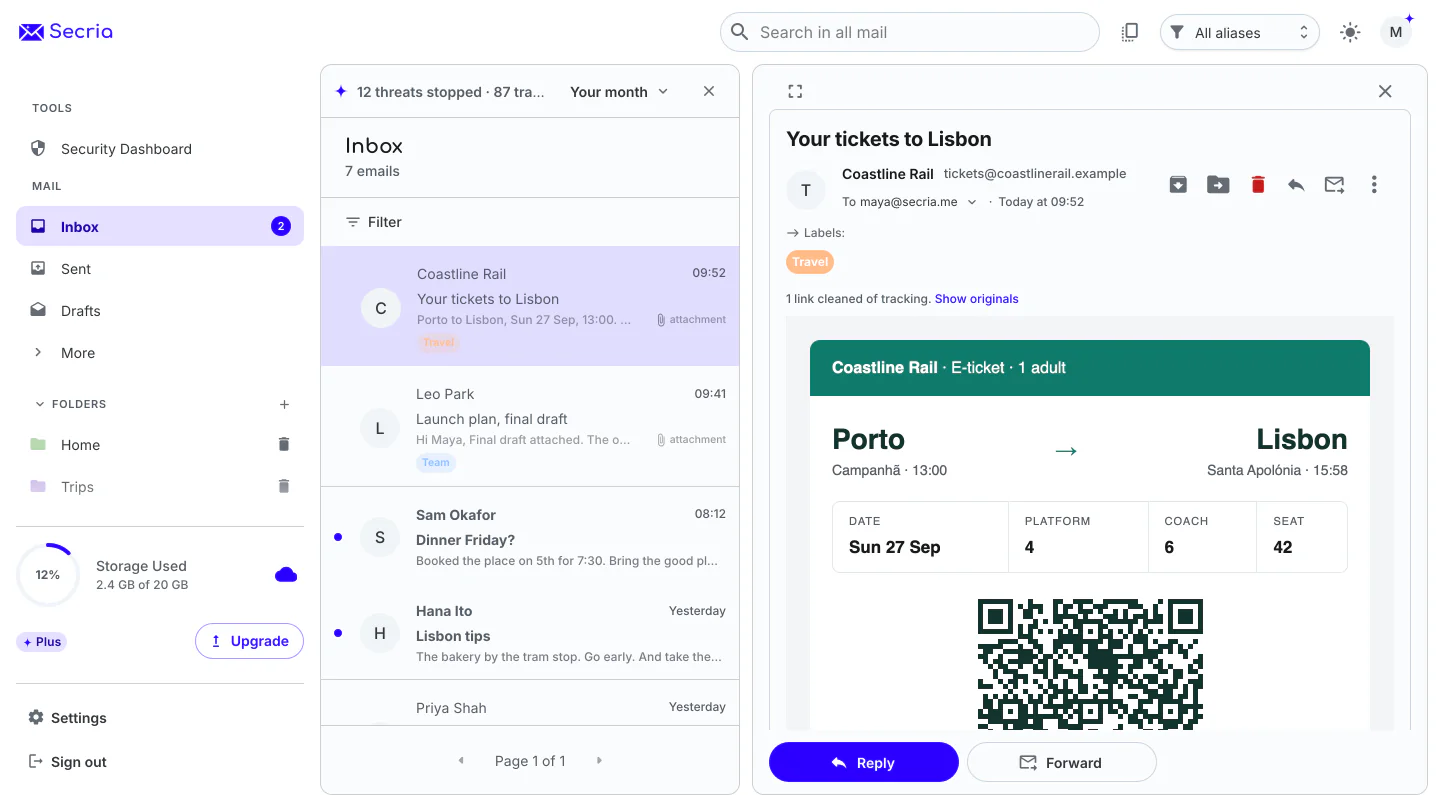
Why your own domain
An address that stays yours, wherever your mail lives
Switch providers, keep the address
When the domain is yours, your address doesn’t belong to your email provider. Point the records somewhere else and people keep writing to the same place.
Looks like you mean it
A freelancer, a family or a side project gets an address that matches its name, without paying for a business suite.
Private by default
Your domain doesn’t change the protection. Mail is sealed with your keys, tracking pixels are removed automatically, and senders never see your IP address.
Built for the quantum era
Every Secria plan uses ML-KEM-1024 with X25519, so mail to your domain stays sealed against future quantum computers.
How to set it up
Connect your domain in three steps
You need access to your domain’s DNS settings at your registrar or DNS host.
Add your domain
In Secria, open your domain settings and enter your domain. Secria gives you a TXT record that proves you own it.
Copy the records
Add the TXT record at your DNS host, then the MX, SPF, DKIM and DMARC records Secria shows you. Each one has a copy button, and Secria checks them for you.
Create your addresses
Once verified, create addresses and aliases on your domain, pick a catch-all if you want one, and send from any of them.
| Question | What it does | Why it matters |
|---|---|---|
| TXT (verification) | Proves to Secria that you control the domain. | Nobody else can claim your domain. |
| MX | Tells other mail servers where to deliver mail for your domain.1 | Your mail arrives in your Secria inbox. |
| SPF | Lists the servers allowed to send mail for your domain.2 | Your mail is less likely to land in spam. |
| DKIM | Adds a cryptographic signature that receivers check against a public key in your DNS.3 | Receivers can tell your mail wasn’t altered or forged. |
| DMARC | Tells receivers what to do with mail that fails those checks.4 | Makes it harder to spoof your domain. Gmail requires SPF or DKIM from every sender.5 |
Compared with a business suite
Custom domain email without the business price
Google Workspace is the usual answer for email on your own domain. Every Workspace cell links to Google’s own pages.
| Question | Workspace Business Starter | Secria Mail Plus |
|---|---|---|
| Monthly price | Billed per user, each month.6 | $3.99 for your account, with up to 3 domains. |
| Encryption on by default | Client-side encryption only on editions such as Enterprise Plus and Education Plus.7 | On by default. Every message in your mailbox is sealed with your keys. |
- IETF, RFC 5321: Simple Mail Transfer Protocol, section 5 (MX lookup).
- IETF, RFC 7208: Sender Policy Framework.
- IETF, RFC 6376: DomainKeys Identified Mail.
- IETF, RFC 7489: DMARC.
- Google, Email sender guidelines (Google Workspace Admin Help).
- Google, Google Workspace pricing. Introductory discounts for new customers not shown.
- Google, Learn about Gmail client-side encryption (Gmail Help).
Checked October 2026. Secria facts are from our pricing page and FAQ.
Custom domains on Mail Plus and Pro
Same encryption on every plan. Pick the one with the room you need.
Mail Plus
3 custom domains, 15 aliases, 20 GB, unlimited folders and breach alerts.

Secria Pro
10 custom domains, unlimited aliases, 500 GB, and the full Secria VPN on 5 devices.
Monthly prices shown. Yearly and 2-year plans cost less per month. Compare all plans
30-day money-back on plans bought here. App Store and Google Play purchases follow their own refund rules.
Questions about custom domain email
Can I use my own domain with encrypted email?
Yes. Secria Mail Plus connects up to 3 custom domains and Secria Pro up to 10. Mail to your domain gets the same protection as any Secria address: every message in your mailbox is sealed with your keys.
What DNS records do I need for custom domain email?
A TXT record to prove you own the domain, MX records so mail for the domain is delivered to Secria, and SPF, DKIM and DMARC records so other providers trust mail you send. Secria shows the exact values to copy in your domain settings.
What is a catch-all address?
A catch-all receives mail sent to any address at your domain that you haven’t created. It means a typo or a made-up address like shop-name@yourdomain.com still reaches you. You can set one for each Secria custom domain.
How long does it take to set up?
Adding the records takes a few minutes at your domain registrar. DNS changes can take a while to spread, so give verification 5 to 15 minutes, and sometimes longer, before you try again.
Do I need a business plan for a custom domain?
No. Custom domains come with Mail Plus, a personal plan at $3.99 a month, and with Secria Pro.
Is Google Workspace end-to-end encrypted?
Not by default. Google encrypts Workspace data at rest and in transit, and client-side encryption is limited to editions such as Enterprise Plus, Education Plus, Education Standard and Frontline Plus.
Your name on the address. Your keys on the mail.
Connect your domain on Mail Plus or Pro.